Smooth


Smooth Operation allow to smooth any surface, the work flow is the same than a brush operation, create the smooth operation, set the the smoothing and turn it on and draw to smooth the surface: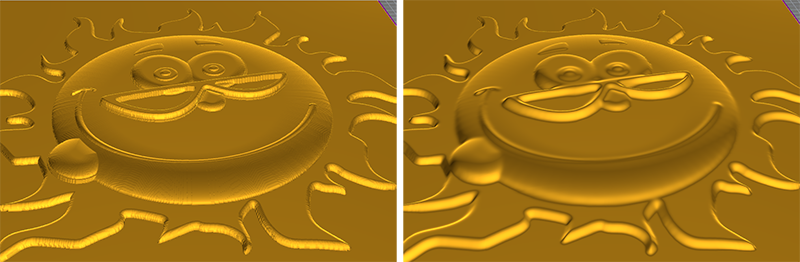
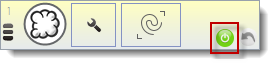
1. After select the operation, automatically the smooth mode is on (green button); we can start to smooth your relief. You can stop the smooth mode with right button or clicking on the green button.
Parameters
Set the brush depth and width: You can define the brush depth and width using the numerics.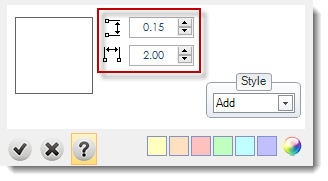
Style: More details in styles page.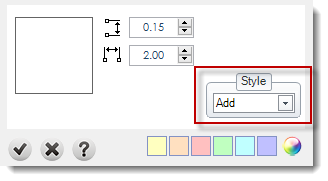

Undo: The operation allows to undo a brush.