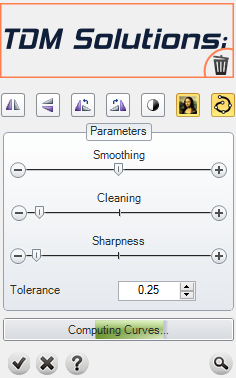
Raster To Vector


This tool allows us to convert images and hand drawings to graphic vectors.
|
Toolbar |
RhinoEmboss > Raster to Vector |
Menu |
RhinoEmboss > Raster to Vector |
|
Command |
RhinoEmbossRaster2Vector |
Steps:
|
|