Resources


This tool allow us to manage all the RhinoEmboss resources.
|
Toolbar |
RhinoEmboss > Resources |
Menu |
RhinoEmboss > Resources |
|
Command |
Resources |
After execute the command the Resources Manager window will appear:
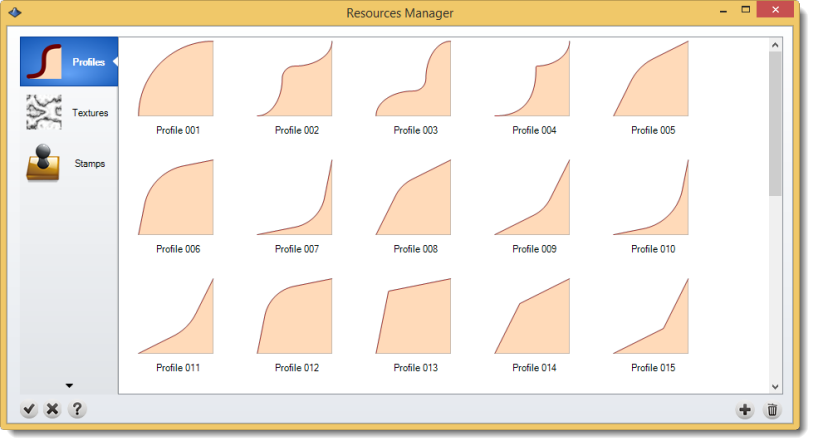
There are three different kinds of resources:
Profiles: The brushes are used on Emboss command > By profile.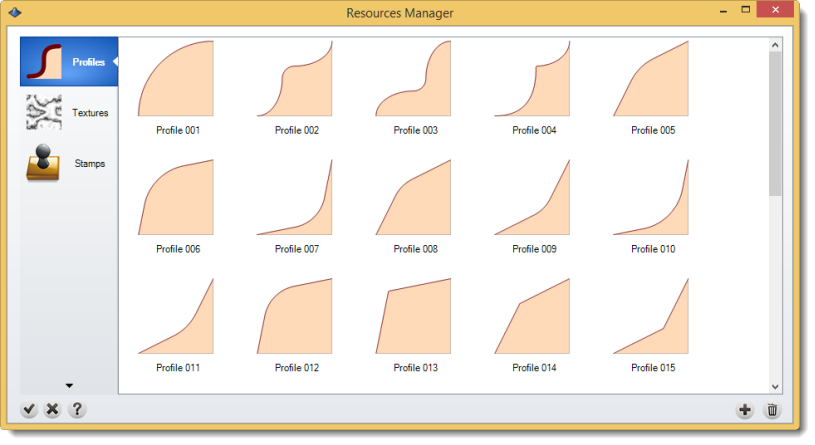
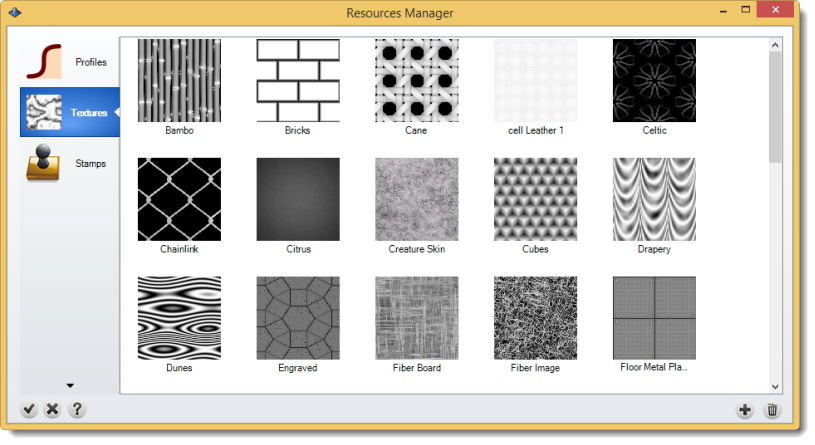
Textures: The textures are used on Emboss command > Texture.
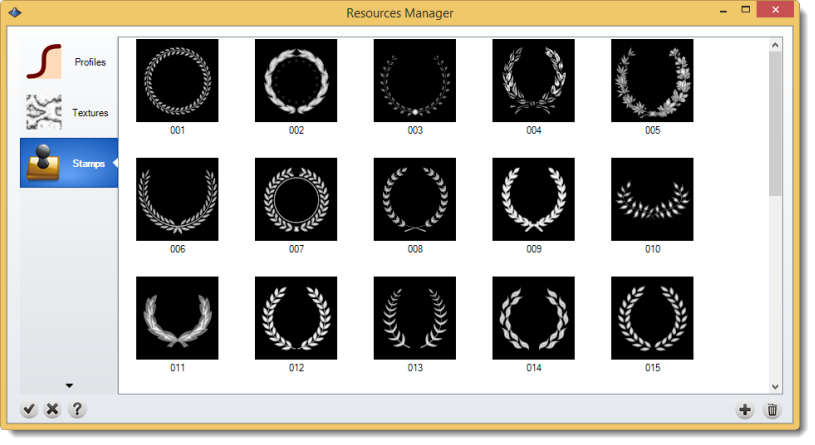
Stamps: The stamps are used on Emboss command > Texture.
Important Note: Remember you can add your own resources under the (+) icon, also you can import textures by dragging them into texture dialog.
All these files are in C:\Users\<User Name>\AppData\Roaming\TDM Solutions\RhinoEmboss\2.0.
