Project Settings


Project Settings
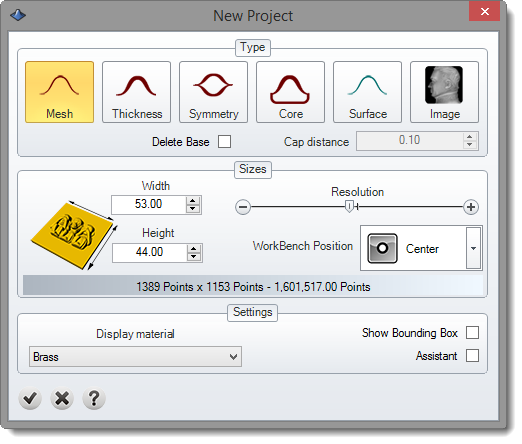
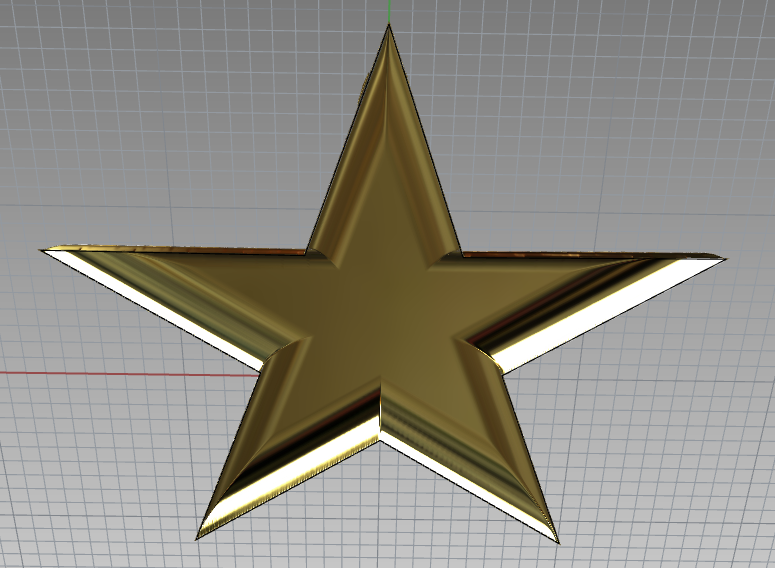
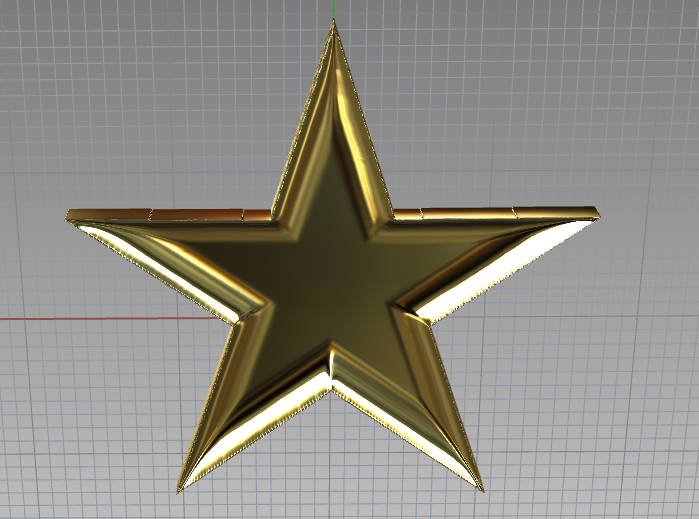
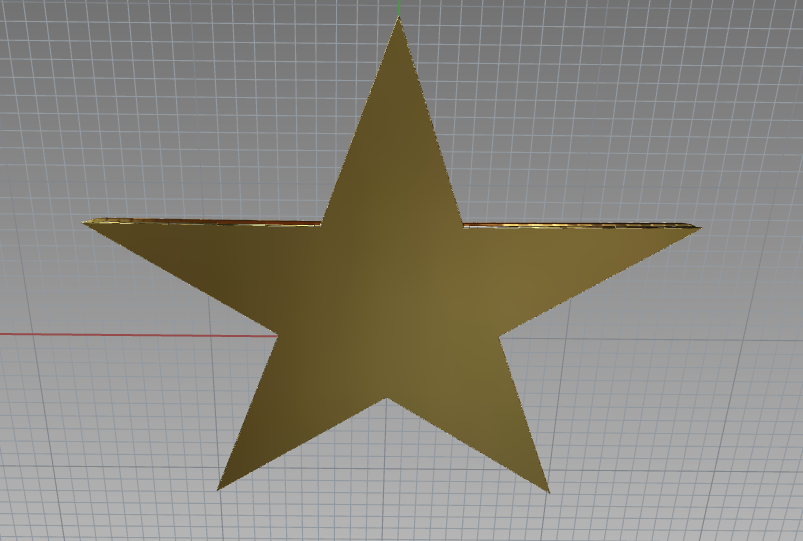
Type: Defines the type of the project. Mesh, Thickness, Symmetry and Core creates the geometry in meshes. Surface type creates NURBS geometry and Image type creates a Tiff 16bit.
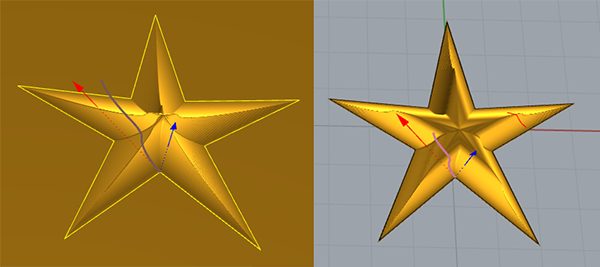
About Surface, this project type is really heavy result. For that reason, RhinoEmboss set the Surface to Object Display Mode Wireframe. It means, this surface will be displayed in Wireframe, it avoid the internal function of Rhinoceros of "Creating meshes..." and it will works faster.
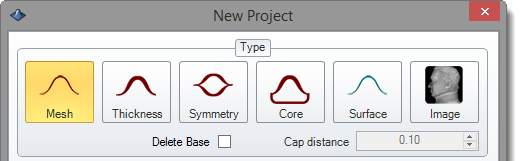
Mesh |
Thickness |
Core |
|
|
|
|
|
Generates an open mesh. |
Result mesh will be a solid with a specific thickness, you can specify the thickness in Cap Distance field. |
Result mesh will be a solid, mesh will be cap with a planar surface, you can specify the thickness in Cap Distance field. |
Delete Base: This option allows to create a squared final shape or a trimmed shape.
Cap Distance: This value is used in thickness cap type, core and cavity core cap type.
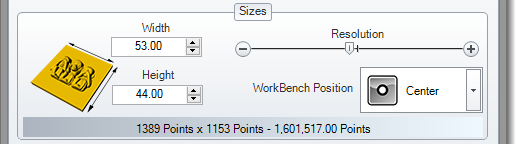
Sizes: This option allows to define the size of the project and the resolution. As higher resolution, you will have more detail, but the computation will be slower. Any time you can increase or decrease the resolution.
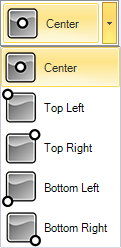
WorkBench Position: Defines the position of the work bench about source coordinate origin.By default is centered in Origin World XY Plane.
Settings:
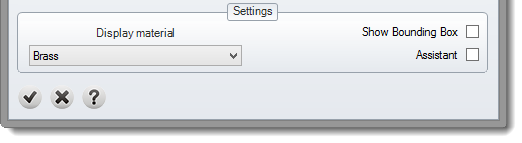
Display material: Material to display the preview geometry.
Show Bounding Box: Show a box of the project sizes.
Assistant: It is an assistant to guide the user.s